10 Note Taker App Options: Ownership, Search, Workflow
Compare 10 note taker app options by file ownership, search, organization, and workflow. Honest limits, pricing notes, and a practical way to choose.
You've got three years of lecture notes, PDF highlights, and project research in one app. Then pricing changes, your trial ends, or you try to leave, and the export gives you flattened text with broken links and missing attachments. That moment, not the feature tour, tells you what you bought.
People often pick a note taker app by editor, templates, or AI. I'd start with four harder questions. Where do the files sit on disk? Can you search them without the app? Who controls the format? What breaks when you export? A 2025 comparison describes unreliable offline support, server-held data, and formatting loss in complex migrations, with large-vault migration taking roughly two to four hours in the 2025 note-taking apps comparison. That's the cost of choosing by feature count alone.
Digital capture is already normal. For student-specific AI angles, see ClassLecture.ai's student note-taking app comparison. The ten options below are judged the same way, by organization, search, file ownership, and workflow fit for research reading, class notes, and quick capture.
Table of Contents
- 1. Acres
- 2. Obsidian
- 3. Heptabase
- 4. Notion
- 5. Joplin
- 6. Microsoft OneNote
- 7. Bear
- 8. Standard Notes
- 9. RemNote
- 10. Evernote
- Storage format, cost model, and best fit across the ten apps
- Test Your Shortlist Before Committing Your Archive
1. Acres
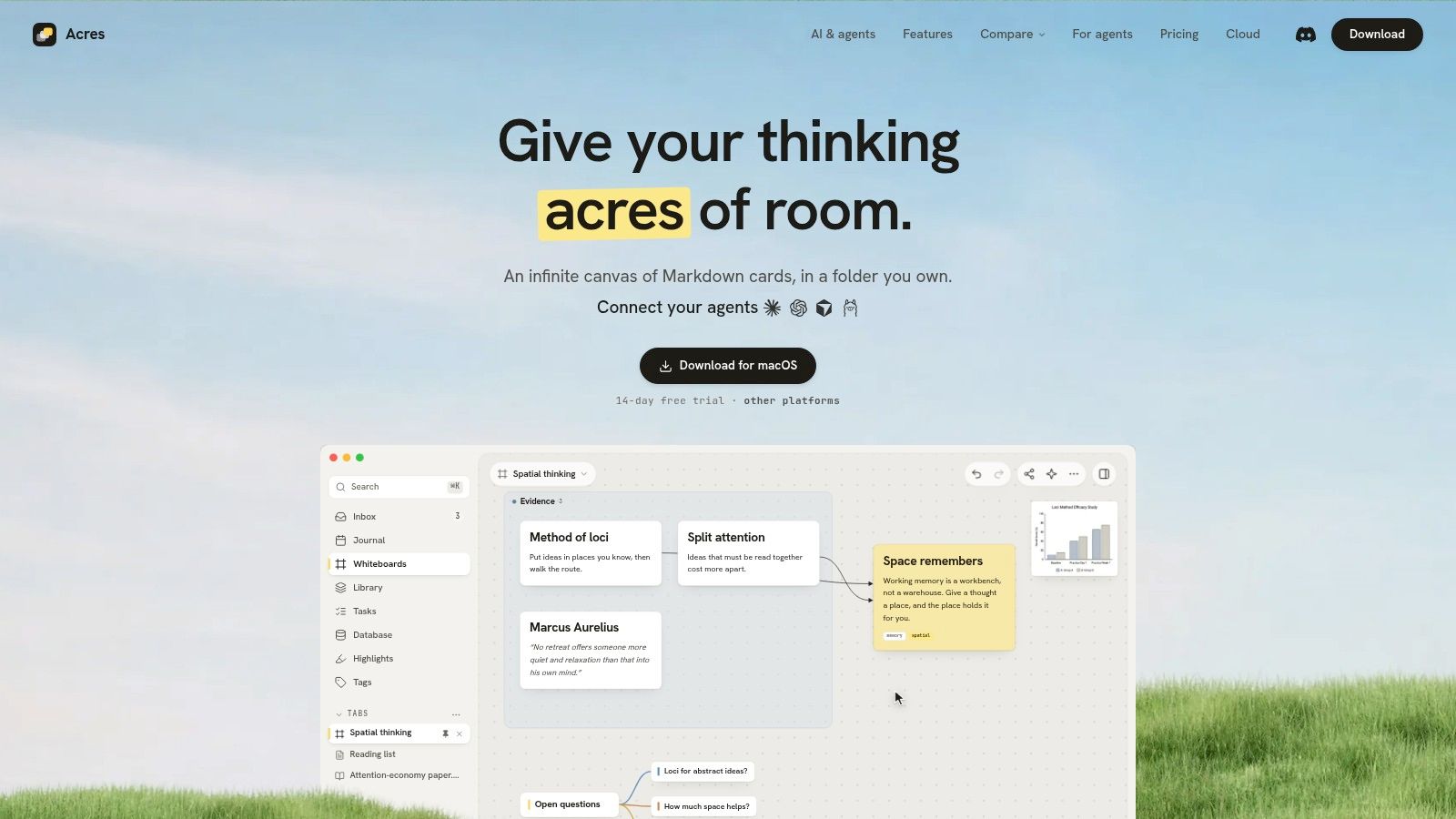
Acres is a local-first visual workspace built around one simple difference: cards are plain Markdown files in a folder you pick, and whiteboards are readable JSON. You can open, search, back up, or sync that folder with ordinary tools, and the files keep working in any other editor if you leave.
How organization and research work
The infinite canvas combines cards, connections, nested boards, mind maps, colored sections, drawing tools, and database views. You can arrange the same material spatially, then sort and filter it as a table. For research reading, you highlight PDFs in five colors and turn passages into source-linked cards, with backlinks, journals, embeds, and full-text search across the library.
Importers bring in Obsidian vaults with folders becoming boards, notes becoming cards, daily notes joining the journal, and wikilinks kept intact. A Heptabase backup arrives with every board, card position, highlight, PDF, and journal entry. After the desktop trial, the app stays read-only until you buy or subscribe, but everything still opens, searches, reads, and exports.
AI, pricing, and limits
AI is optional and provider-direct, using your own key stored in the system keychain, or local models through Ollama and LM Studio. Claude Code, Cursor, or Codex connect to an open whiteboard in one click over MCP and build on it live. Each agent run is a single undo step, and edits to existing cards arrive as proposals rather than silent writes, with activity showing who changed what and when.
- Trial and lifetime: The desktop free trial lasts 14 days and needs no account or payment details. The Lifetime license is $49 at the stated early-adopter price, with the full app on macOS and Windows, unlimited local notes and whiteboards, all future updates, and up to three active installations.
- Plus: Plus is $5.90 monthly or $49 annually, adding the full app with updates while subscribed, 10 GB of private Sync across 20 vaults, and Publish of up to 100 boards at 50 MB each. Offline work lasts up to seven days before reconnecting.
- Limit: The desktop app runs on macOS and Windows. The iPhone and iPad apps have a free tier of 100 active notes and 3 whiteboards across local vaults with no account required, while Sync and Publish require Plus.
If Plus lapses, your notes stay on disk, and the desktop goes read-only once any remaining trial ends.
2. Obsidian
If you want a mature local vault and you're willing to configure it, Obsidian is the obvious benchmark. Notes are plain Markdown files in local folders, so file managers, backup tools, and other editors can work with the same vault. That matters because plain-text notes are described as human-readable without rendering, supported by hundreds of tools, and compatible with clean version-control diffs in the plain-text and interoperability reference.
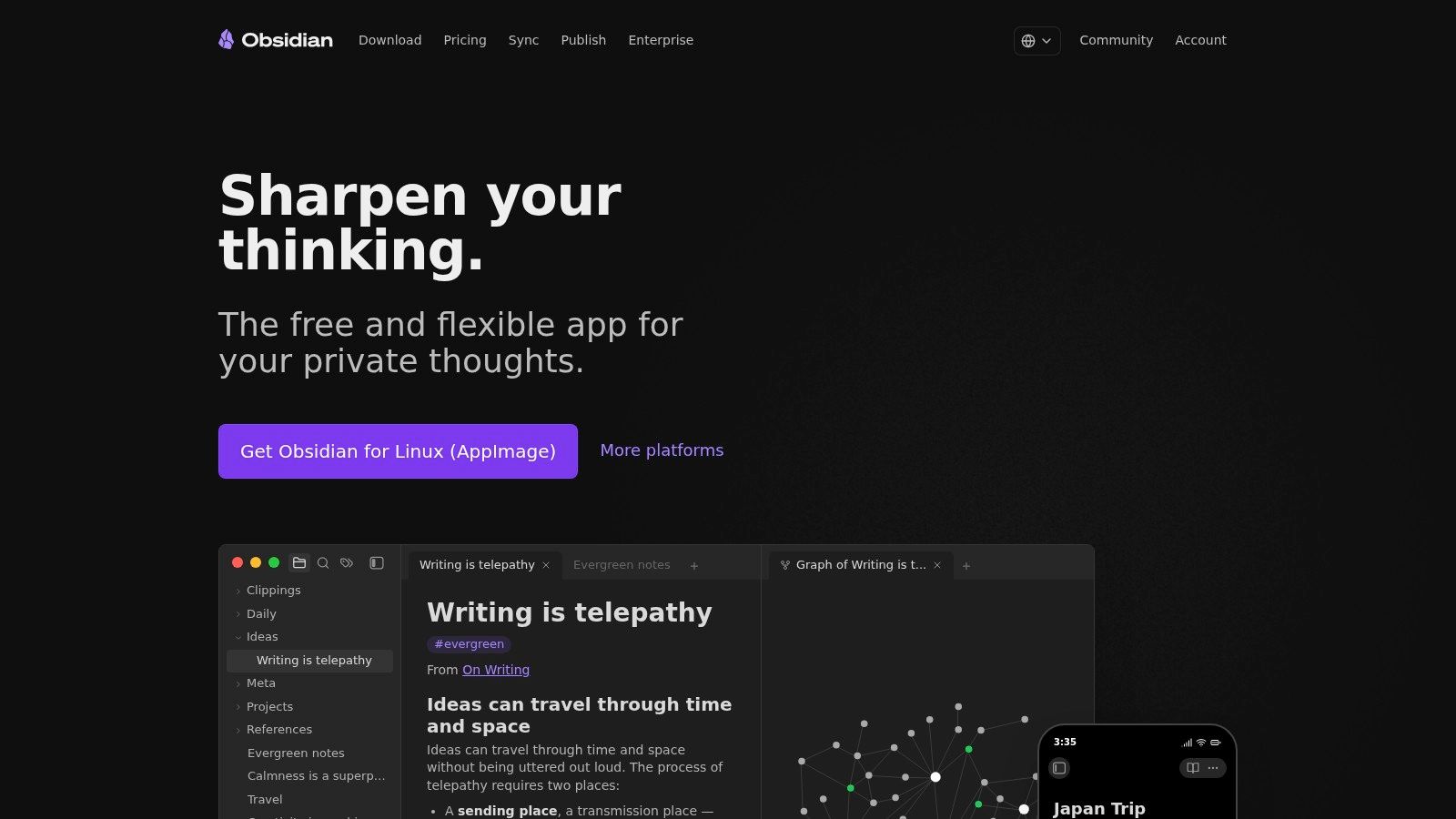
Bidirectional links and backlinks make it strong for research and long-term knowledge work, and Canvas lets you arrange notes, PDFs, images, and web pages visually. Core and community plugins extend almost everything, from daily notes to advanced queries. The core app is free for personal use, while Sync and Publish are optional paid services.
The friction is setup. Settings and plugins can make a new vault feel like a project before it's a notebook, and Canvas text cards don't appear in Backlinks unless converted into files. You can use another supported file-sync method instead of its own Sync. If you later want those files on visual boards, follow the step-by-step Obsidian import guide.
Practical rule: Choose this when linked Markdown and plugins matter more than a ready-made visual board, and budget time for setup.
3. Heptabase
Heptabase starts from the opposite end. Instead of a folder of documents, you get cards on whiteboards, built for people who think spatially and need to see a complex topic spread out. The card library collects notes that can be reused across boards and developed into broader topic maps.
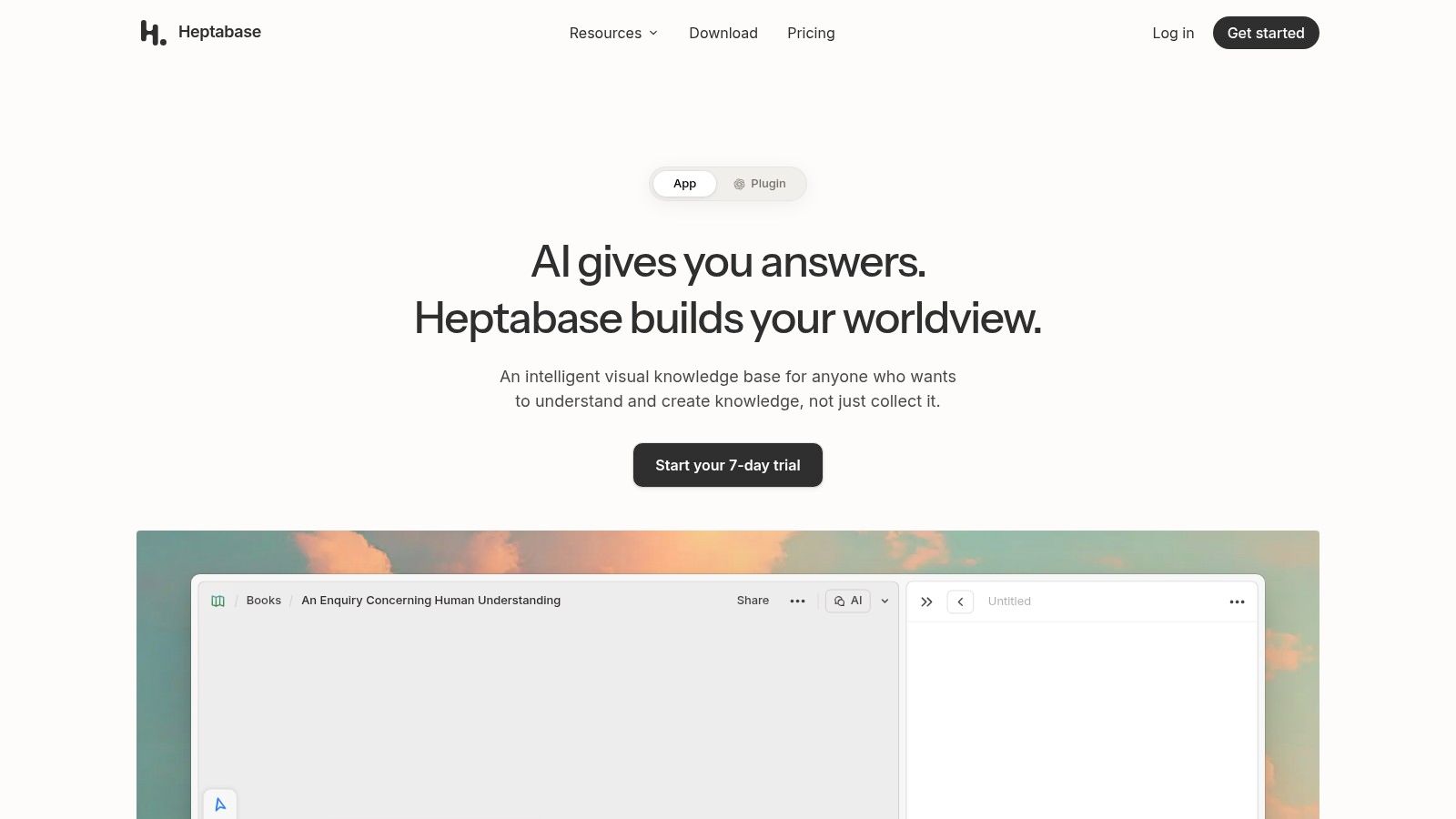
For research reading, it offers PDF upload and parsing plus AI-related tools designed around learning workflows. That combination works well when you're reading several papers, pulling out claims, and grouping them visually before you write. It's less natural if most of your work is linear writing or quick text capture in a simple notebook.
Pricing and allowances need checking before you commit a large library. It's a paid service, relatively costly compared with free or low-cost note apps, and AI credits and PDF allowances vary by plan. Those limits shape heavy research use more than the editor does. Before migrating, read the side-by-side visual workspace comparison and test export with boards, PDFs, and highlights, not just plain cards.
4. Notion
Say your notes live next to tasks, project docs, and a team wiki. Notion fits that job better than most dedicated notebooks, because pages and databases sit in one online workspace. You can sort and filter structured information, share pages, and adapt layouts for class planning, project tracking, or documentation.
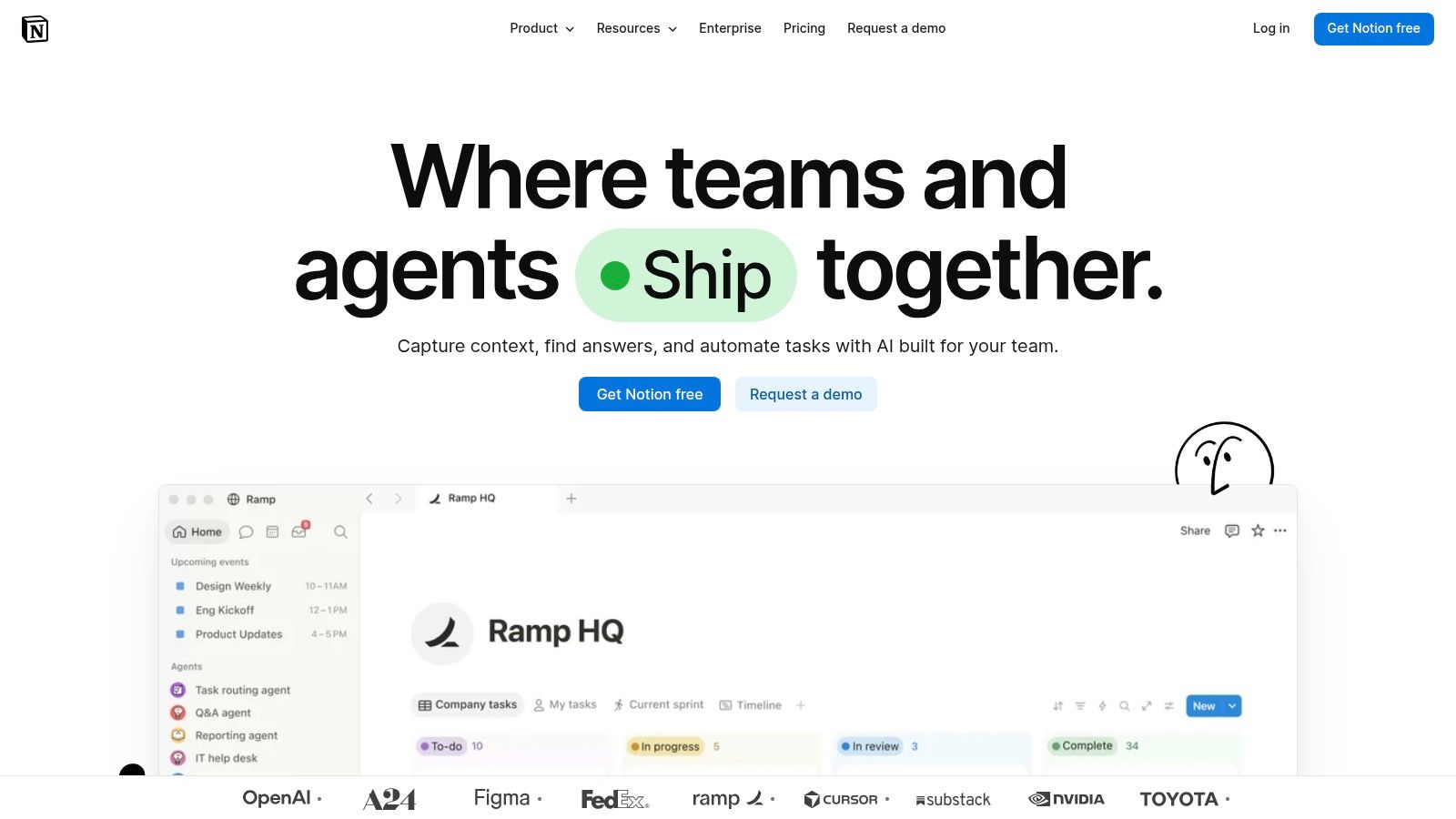
Search and organization depend on that hosted workspace, not on ordinary local Markdown files. Independent cloud-computing research identifies data portability as a central lock-in issue because the provider controls content schemas and storage format, and it notes that matching syntax alone isn't enough if meaning or structure changes in the Springer cloud portability study. For a personal archive, that distinction matters more than database views.
A free plan is available, with paid plans on its pricing page, and AI access depends on the current subscription offering. Setup can take time, since flexibility means you design the system yourself.
- Best fit: Teams and solo users who want notes connected to projects and databases.
- Weak fit: Anyone who requires readable local files as the source of truth.
5. Joplin
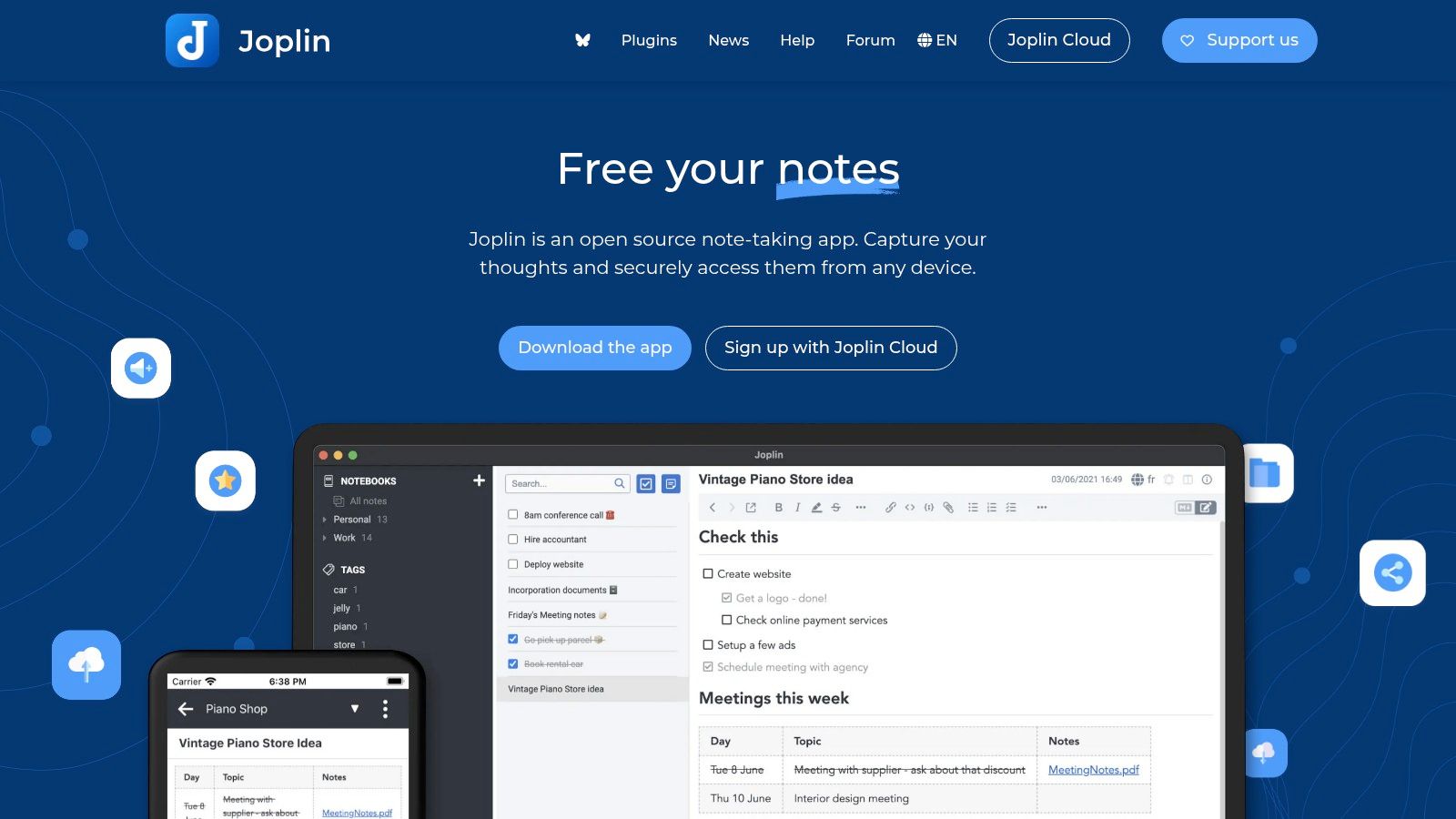
Joplin is free, open-source, and offline-first, with notes stored in Markdown. You can edit in the app or an external text editor, search full text, clip web pages and screenshots, and add plugins. Desktop and mobile apps give you offline access without forcing a cloud-only workspace.
Where it helps and where it doesn't
End-to-end encrypted synchronization is available through supported services, and Joplin Cloud offers optional hosted services and sharing through paid plans. That choice mirrors the AWS guidance that customers should own their data, store content in a chosen format, and download or delete it whenever they choose, as set out in the AWS vendor lock-in guidance.
Organization is notebook and folder based, so it's less visual than a whiteboard workspace. Plugin customization can also require extra setup, and hosted services require a subscription. For a broader view of this category, see the guide to local-first note apps. I recommend it when portability, offline access, and cost matter more than spatial organization.
6. Microsoft OneNote
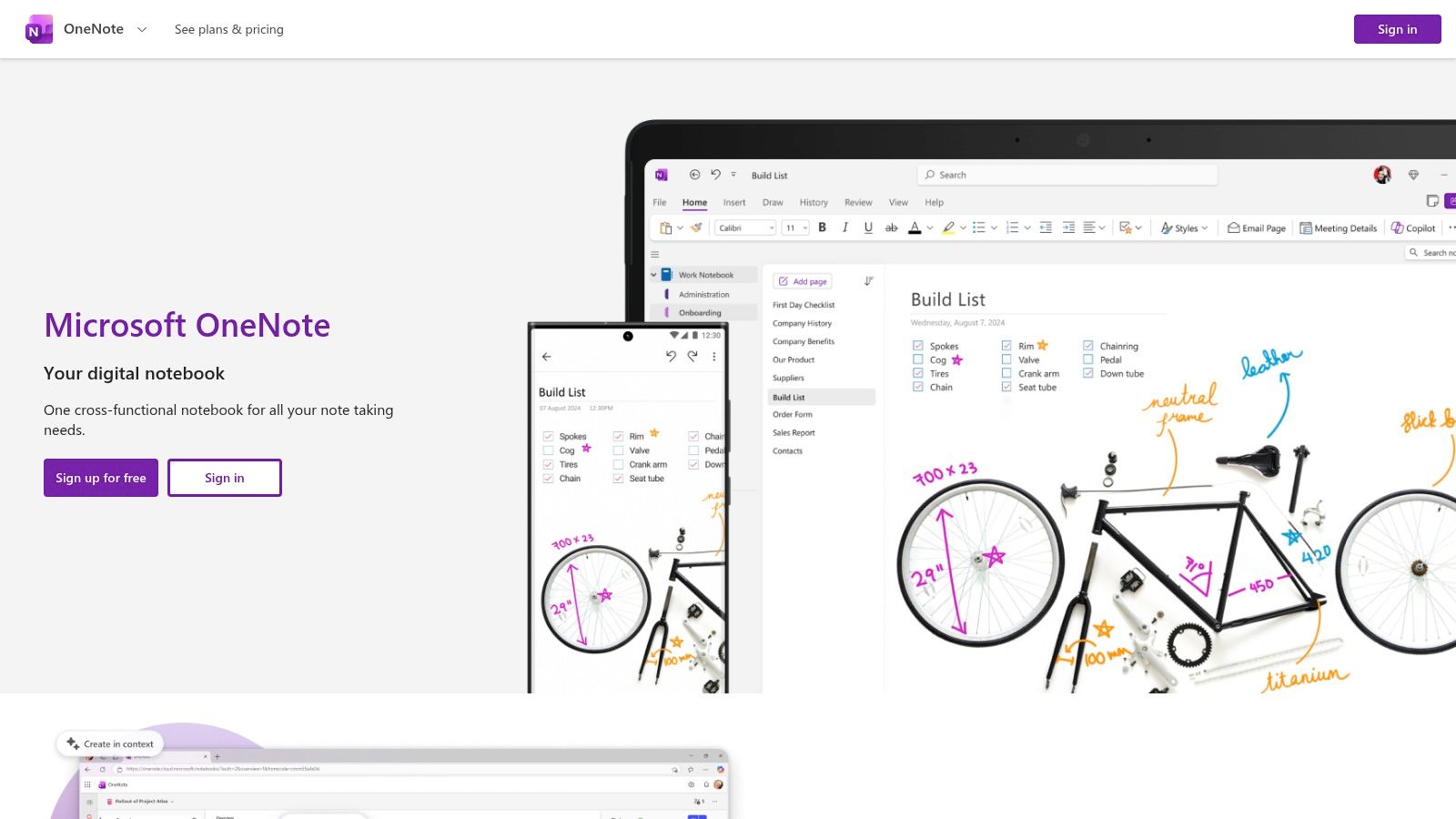
For handwritten class notes, Microsoft OneNote still has a clear lane. It organizes material into notebooks, sections, and pages, supports handwriting, sketching, highlighting, annotation, sharing, and voice transcription, and runs on Windows, Mac, iOS, Android, and the web. Stylus users and Microsoft households will feel at home quickly.
Adoption context supports that familiarity. A 2024 study of lecture-note-taking practices found that 94% of respondents took notes during lectures, and among those note-takers, 69% used digital methods, in the 2024 lecture note-taking study. The same tools list included OneNote among commonly used programs, so this isn't a niche workflow.
The trade-off is format. It isn't centered on plain Markdown files or local-folder ownership, and its notebook model differs from linked-note or graph-based systems. Some AI features may require a qualifying plan or account. Choose it for freeform handwriting and broad device coverage, not for a portable file archive.
7. Bear
Bear is built for fast writing on Apple devices, and it shows. The editor emphasizes Markdown with tables, images, to-do lists, and rich previews, without asking you to configure a knowledge system first. Tags replace a conventional folder hierarchy, which keeps capture quick if you think in topics rather than nested folders.
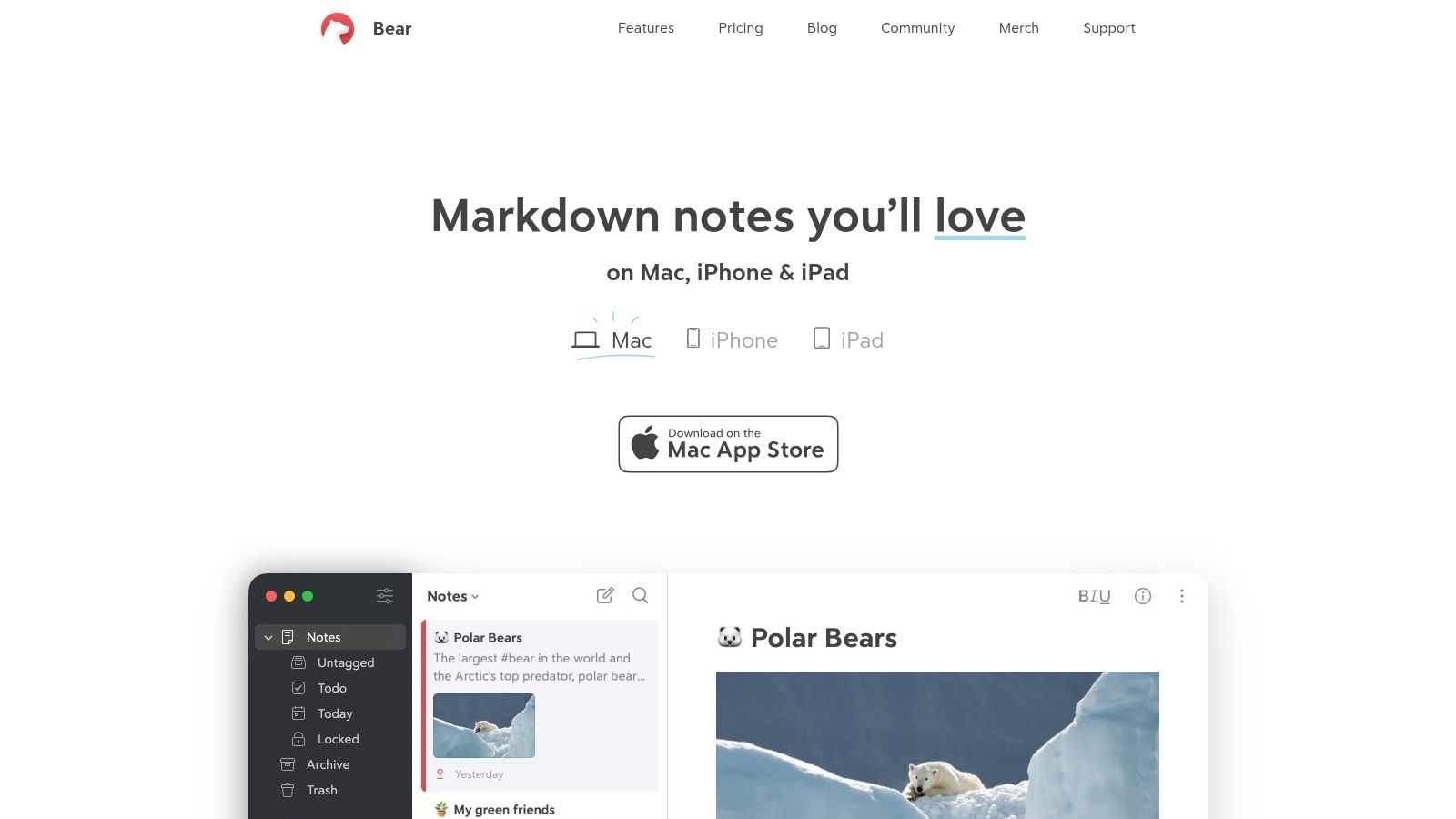
Useful extras include sketching and document scanning. Bear Pro adds iCloud sync, note encryption, advanced export, and OCR search inside PDFs and images, which makes scanned handouts and screenshots findable. Markdown and export options support reusable notes, though your live workspace still sits inside the Apple ecosystem.
The limits are plain. It's Apple-only, several advanced features require Pro, and tag-based organization may frustrate users who want folders, backlinks, or visual boards. For quick capture and clean writing on a Mac or iPhone, that narrow focus is a strength. For a growing research archive with linked sources, it's likely too light.
8. Standard Notes
Privacy is the product here. Standard Notes centers on end-to-end encrypted synchronization, with offline access across web, desktop, and mobile. The free plan includes plain-text notes, tags, sync, and data export, giving you a cross-device system without paying first.
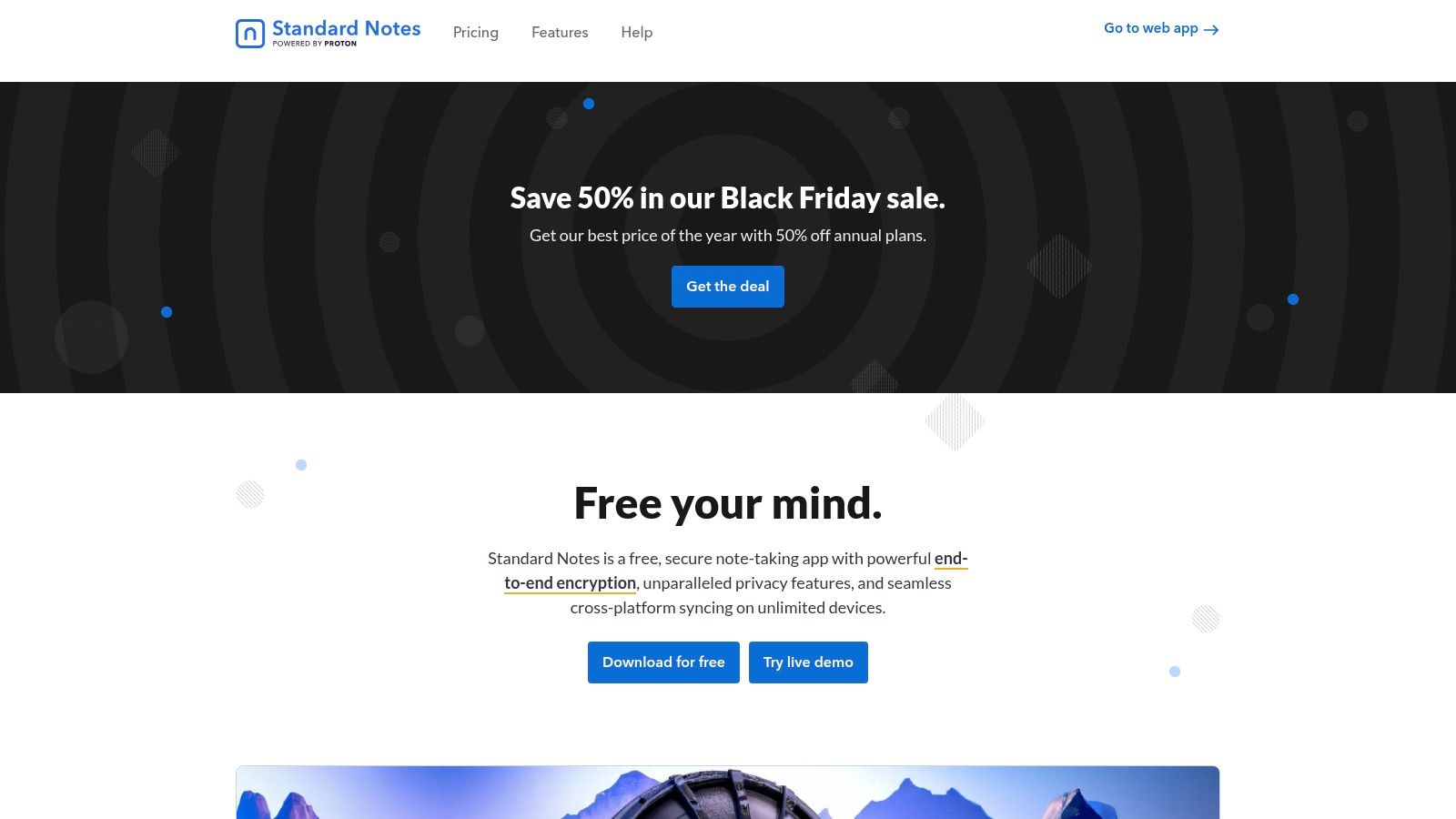
Paid plans add richer editors, folders, a web clipper, longer note history, and encrypted file storage on the higher tier. Export lets you retain notes outside the service, which is important for recovery, but the daily experience is private writing rather than research organization. Search helps you retrieve notes, it doesn't build topic maps or connect PDF highlights.
- Encryption first: Notes sync encrypted, and offline access is built in.
- Basic free tier: Plain text is intentionally limited, richer editing is paid.
- Narrow scope: It's designed more for private notes than visual research boards or mind maps.
Pick it for journals, sensitive personal notes, and simple records. Don't pick it if your workflow depends on PDFs, linked cards, or database views.
9. RemNote
RemNote treats notes as study material from the start. You write notes, turn key points into flashcards, and review them through spaced repetition in the same system. The free plan includes unlimited notes and flashcards, which is generous for students testing whether active review fits their routine.
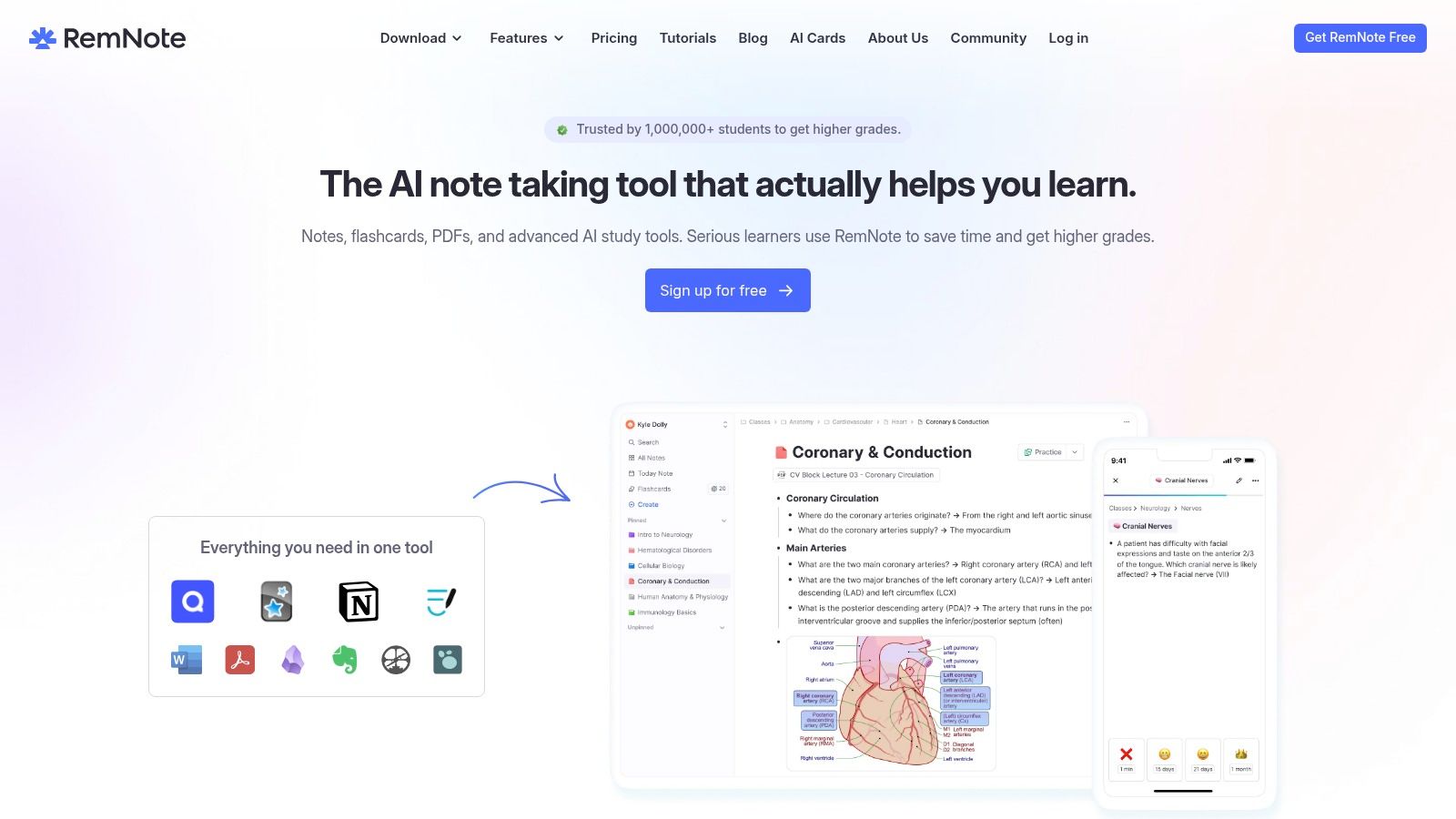
That learning focus is supported by classroom evidence. A 2025 quantitative study at Indiana Aerospace University surveyed 100 students between May and June 2025 and found digital notes rated highly for organization, while handwritten notes were perceived as stronger for memory retention, in the 2025 Indiana Aerospace University study. A system that forces review, rather than just capture, addresses the retention side of that trade-off.
Paid plans add PDF annotation, exam scheduling, and AI study tools, with limits varying by plan. The combined feature set can feel complex if you only want a notebook. It's specialized for learning and memorization, not general-purpose knowledge management or writing projects.
Cleaner notes aren't the same as remembered notes. If an app doesn't make you revisit material, you'll need a review habit outside it.
10. Evernote
Evernote remains a capture and archive tool. It handles notes, notebooks, tags, tasks, attachments, and web clippings, with apps for iOS, Android, web, Windows, and Mac. Listed AI features include assistant tools, semantic search, and transcription, aimed at making a large personal collection easier to retrieve.
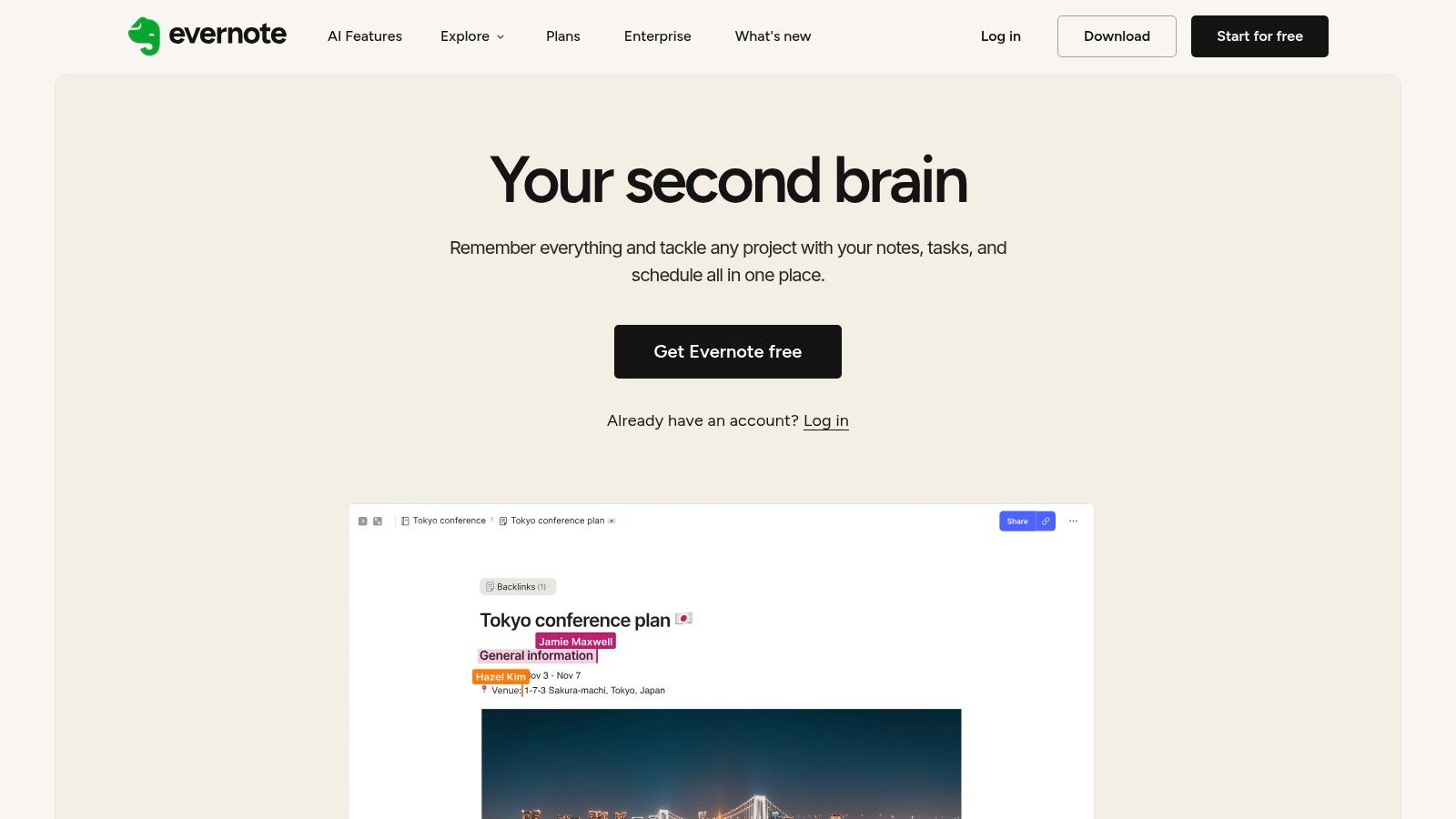
For someone who saves articles, receipts, documents, and short notes in one searchable place, that breadth still works. Search and organization suit personal archives, and cross-platform apps remove device friction. The trade-off sits underneath. Evernote is a hosted service, so the archive lives on its servers rather than as local Markdown files in a folder you pick. Export exists, but leaving means converting a proprietary notebook structure back into portable files, which is more work than copying a directory.
The free plan is limited enough that a serious archive needs a paid plan, and paid access sits above several alternatives in price. Confirm current limits before importing years of material. I'd only recommend it if web clipping and archive search are your main jobs and you're comfortable renting access to that archive.
Storage format, cost model, and best fit across the ten apps
| Item | Storage format | Cost model | Best for |
|---|---|---|---|
| Acres | Local Markdown files and readable JSON boards | 14-day trial; $49 lifetime or Plus from $5.90 monthly | Visual, local-first research and knowledge work |
| Obsidian | Local Markdown files in folders | Free for personal use; optional paid Sync and Publish | Customizable linked notes and knowledge management |
| Heptabase | Card-based workspace and whiteboards | Paid plans with plan-dependent AI and PDF allowances | Visual research and spatial organization |
| Notion | Online pages, documents, and databases | Free plan; paid plans available | Notes, projects, databases, and team collaboration |
| Joplin | Markdown notes | Free and open source; optional paid Joplin Cloud | Offline-first notes with portable files |
| Microsoft OneNote | Digital notebooks, sections, and pages | Available across platforms; some AI features may require a qualifying plan | Handwritten notes, annotation, and Microsoft users |
| Bear | Markdown notes with tags | Free tier; paid Bear Pro adds advanced features | Fast, polished note-taking on Apple devices |
| Standard Notes | Encrypted notes with data export | Free basic plan; paid plans add features | Private, cross-device notes |
| RemNote | Notes and flashcards | Free plan; paid plans add study tools | Spaced-repetition learning and study |
| Evernote | Hosted notes, notebooks, and attachments | Limited free plan; paid plans available | Searchable archives and web-content capture |
Test Your Shortlist Before Committing Your Archive
Don't import everything into the first app that feels good in a demo. Pick two or three candidates and move a sample of real notes, including one long document, one PDF with highlights, attachments, internal links, and your messiest folder. Then search for a phrase you know exists, follow links in both directions, and check whether properties and structure survive.
Next, test the exit while you're still calm. Export the sample, disconnect from the internet, and open the result without the app. Can you read every note, find attachments, and search with ordinary tools? Can you restore the workspace on another computer and keep working without an active subscription? If not, you're not choosing a note taker app, you're choosing a landlord.
AI needs the same skepticism. A 2025 Microsoft Research and Cambridge University Press and Assessment study reported that students preferred AI reading assistance, but using AI alone produced worse results than combining it with traditional note-taking, as reported in the 2025 Microsoft AI in Education Report. Use AI to summarize, sort, and propose, then verify claims against sources and write your own interpretation. Adoption alone isn't evidence of learning. A 2024 study of 5,007 knowledge workers in the United States and United Kingdom reported that 52% used generative AI weekly, in the Asana State of AI at Work report, which is a workplace benchmark, not proof that automatic notes improve recall.
A simple decision by workflow
For research reading, prioritize PDF highlights tied to sources, backlinks, and search across documents. For class notes, prioritize speed, handwriting if you use a stylus, and a review path such as flashcards. For quick capture, prioritize a fast editor and reliable mobile access. For sources outside the app, pair your notes with citation tools that work with Word so references don't live only as pasted links.
Market size won't make the decision for you, and published estimates differ by definition. The Business Research Company figures put the global note-taking app market at $9.74 billion in 2024, according to the note-taking app market analysis. Smaller or broader scopes produce different totals, which is another reason to judge your own files, not category growth.
My recommendation is simple. Shortlist by workflow, then eliminate any app that fails the offline export test. An archive you cannot leave is the most expensive part of any choice, even when the subscription looks cheap.
If your priority is a visual research workspace where cards stay as plain Markdown files in a folder you control, with PDF highlights, nested boards, and reviewable AI, try the 14-day desktop trial and test it with your own sample archive. Visit Acres to download it for macOS or Windows, import a small vault, and confirm you can still open and search everything outside the app.